Updated & refreshed content:
Updated & refreshed content:
Updated & refreshed content:
Updated & refreshed content:
Updated & refreshed content:
Updated & refreshed content:
Updated & refreshed content:
The Complete Guide to Increasing Profits
Markup Calculator
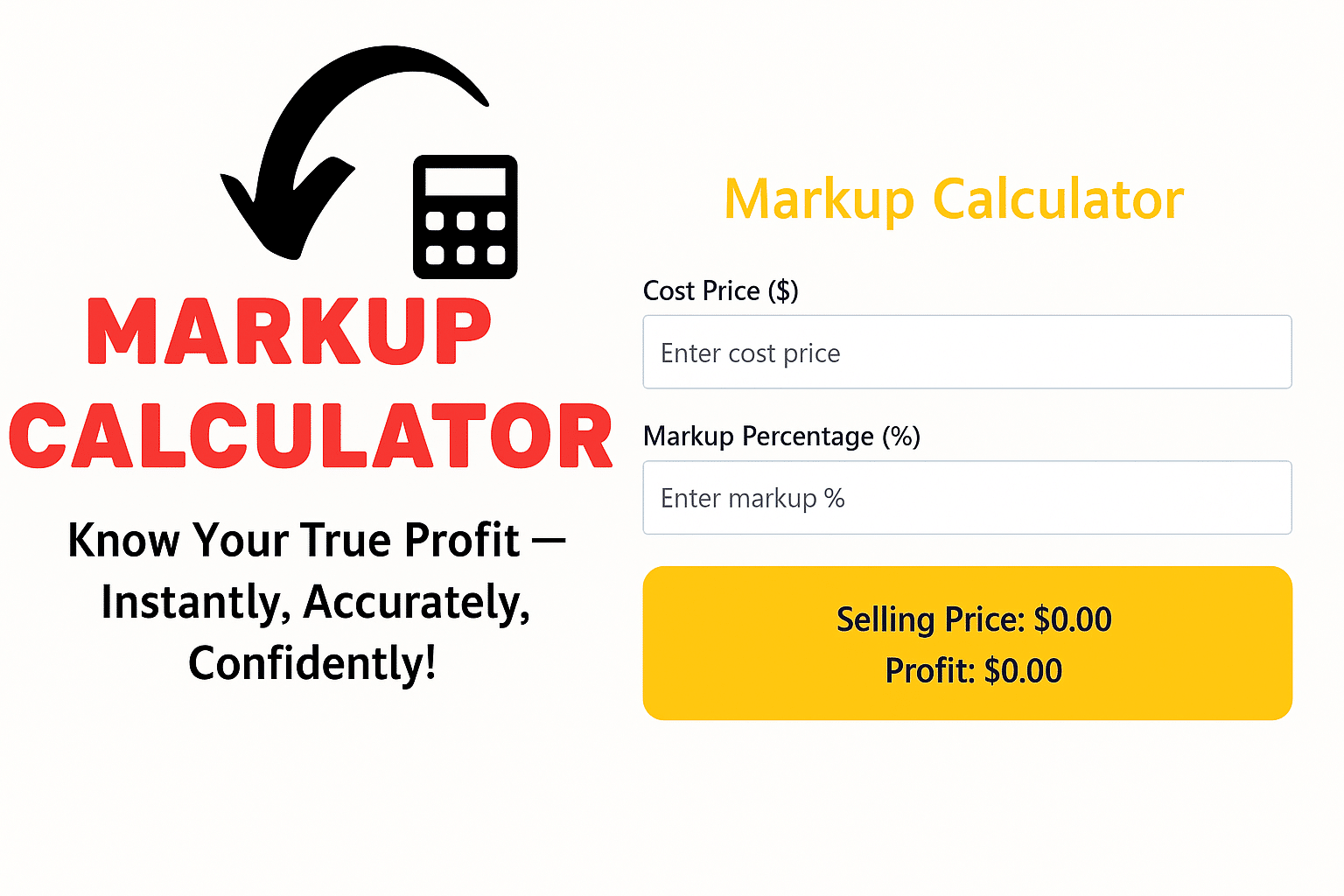
Introduction:
Why is a markup calculator every seller’s secret weapon?
Have you ever been staring at a price sheet and wondering, “How do I set a price that is both profitable and doesn’t make customers angry?” That’s when the markup calculator comes in handy.
This tool saves you valuable time by converting cost price to sale price so you can focus on sales, not calculations. So let’s find out how small business owners to large companies are using this tool to stay financially secure.
Markups, Margins, and Financial Complexities
Markup vs. Margin: One word, two styles
Although many people consider markup and margin to be the same, there is a fundamental difference between the two:
| Term | Meaning | Formula | What does it show? |
| Markup | How much profit was added to the cost? | (Selling Price − Cost) ÷ Cost × 100 | Cost escalation |
| Margin | Profit share from the sale price | (Selling Price − Cost) ÷ Selling Price × 100 | Gross profit |
Remember: If your margin is 25%, the markup will be approximately 33.33%. This is where people often get confused.
Why is this difference important?
Markup is better if you are pricing based on cost, while margin is more useful if you are reporting profit. If they are used incorrectly, you will either make less profit or lose customers by setting prices too high.
How to remove Markup? 3 easy steps
1. Write down the cost
This includes the costs of manufacturing, shipping, and packaging the product.
2. Select the markup percentage
Use industry benchmarks or a percent markup calculator to model options like 20 %, 35 %, or 50 %.
3. Calculate (or use a markup calculator)
Formula: Selling Price = Cost × (1 + Markup %)
Example: If the cost of jeans is Rs. 40 and the markup is 40%, the selling price will be Rs. 56.
Various Calculator Tools that come in handy
price markup calculator
Enter the cost and markup percentage, you will immediately get the sale price.
margin to markup calculator
When you only have the margin percentage, this calculator tells you how much markup you should keep.
margin versus markup calculator
It helps you compare the two so that you can make a clear decision.
reverse markup calculator
If you only know the sale price, this calculator helps you calculate the cost and markup percentage.
calculate markup excel
For Excel users:
Markup formula: =(Sell – Cost) / Cost
Margin formula: =(Sell – Cost) / Sell
High vs. Low Markup: Advantages and Disadvantages
| High markup (40% +) | Low markup (<20%) | |
| Advantages | • Avoid sudden cost increases • Room for discounts and promotions | • Low cost for the customer • Competition in the market |
| Disadvantages | • High prices can drive away customers • Competitors can sell for less than you | • Loss if cost increases slightly • Need for more volume |
Personal opinion: Markup is like sunblock in the sun. Apply less and you’ll burn, apply more and you’ll be covered in smoke!
Where does a markup calculator benefit E-commerce websites – Consistent prices across thousands of products.
1. Wholesale deals – Instant adjustment to the supplier’s new price.
2. Freelance work – Rate + Cost plus profitable quote.
3. SaaS pricing – Optimize your Free, Standard, Premium plans.
Best practices for using Markup
• Review costs every week. Raw material prices change, profit can be low.
• Don’t rely on calculators alone. The calculator will tell you the price, but market research will show you the ground reality.
• Have separate markup rates. 15% on basic items, 60% on specialty items.
• Integrate with Shopify or WooCommerce. Get real-time pricing updates with APIs.
Other Useful Calculators (Internal Linking)
You may need calculators for other tasks, not just markup:
- date calculator
- decimal calculator
- distributive property calculator
- snow day calculator
- acft calculator
- board foot calculator
- cd interest calculator
- terminus calculator
- abv calculator
- asphalt calculator
- blox fruits calculator
- dave ramsey investment calculator
- You are here → markup calculator
- 8×8 calculator
- calculadora de horas
- cumulative gpa calculator
FAQs: People also ask
u003cstrongu003eHow to calculate markup and margin together?u003c/strongu003e
Enter cost and sale price in margin and markup calculator, get both percentage and profit instantly.
u003cstrongu003eWhat is the ideal markup for retail?u003c/strongu003e
Generally, 50% markup (called keystone markup) is considered appropriate in retail, but 30–40% is better for online stores.
u003cstrongu003eHow to convert margin to markup?u003c/strongu003e
With the help of margin to markup calculator, you can easily convert margin to desired markup.
u003cstrongu003e Can markup be reversed?u003c/strongu003e
Yes! Use reverse markup calculator and you will know how much markup you have kept.
u003cstrongu003eIs it possible to calculate markup in Excel?u003c/strongu003e
Yes! Use formula or download calculate markup Excel template.
u003cstrongu003eWhy is margin v markup calculator important?u003c/strongu003e
Because this calculator shows both values together, saves time and reduces confusion among the team.
Check out latest updates & share!
Check out latest updates & share!
Check out latest updates & share!
Check out latest updates & share!
Check out latest updates & share!
Check out latest updates & share!
Check out latest updates & share!